How to Keep Your Phone Charged at the Gym

Walk into any gym today and you will notice something that would have seemed strange a decade ago: nearly everyone is staring at a phone. Not because they are distracted, but because their phone has become the command center of their entire workout. It streams their playlist, tracks their heart rate, logs every rep and set, displays the on-demand class they are following, and times their rest intervals. For many people visiting gyms in 2026, a dead phone is not just an inconvenience — it is a session-ending catastrophe.
The problem is that gyms are genuinely brutal on phone batteries. Between Bluetooth streaming, GPS, screen-on tracking apps, and the constant sync to wearables, a two-hour session can drain a modern smartphone from 80% down to single digits. If you have ever watched your battery indicator drop into the red while you are mid-set on the squat rack, this guide is for you.
Below you will find everything you need to know about how to keep your phone charged at the gym — from which major chains actually have charging stations, to the smartest pre-workout charging habits, to the gym bag essentials 2026 tech kit that keeps your device alive for the whole session and the commute home.
Why Your Phone Battery Dies So Fast at the Gym
Before solving the problem, it helps to understand why gym sessions are so hard on batteries in the first place. The answer comes down to simultaneous high-drain activities happening all at once.
Bluetooth audio is one of the biggest culprits. Maintaining a constant wireless connection to headphones or earbuds while also processing audio is a meaningful drain. Add in a fitness app running in the foreground, keeping the screen on to display your workout log, and syncing data every few minutes to a cloud service, and you have stacked four or five power-hungry processes on top of each other.
Heat compounds the problem significantly. Batteries lose efficiency when warm, and gyms — especially during peak hours — can get uncomfortably hot. Tucking your phone into a tight armband or leaving it in a pocket next to your body during cardio raises its temperature, which causes the battery to discharge faster and degrade more quickly over time.
Poor signal also matters more than most people realize. If your gym is in a basement, a large concrete building, or any area with weak cellular coverage, your phone's radio is working overtime trying to maintain a connection. This can shave 20-30% off your battery life in a single session compared to using the phone in a well-connected area.
Finally, many people arrive at the gym already at 60-70% battery after a full morning of use. That leaves very little headroom for a long session.

Do Gyms Have Charging Stations?
This is one of the most common questions gym-goers search for, and the honest answer is: it depends entirely on which gym you use — and often which location.
Planet Fitness is the chain most people ask about, given its enormous footprint across the United States. Planet Fitness does not have a company-wide policy requiring charging stations, which means availability varies by franchise location. Some locations — particularly newer ones or recently renovated clubs — do have USB charging ports built into cardio equipment or at small stations near the front desk. Others have none at all. The best approach before you rely on this: call your specific location or check recent Google reviews mentioning charging.
LA Fitness locations are similarly inconsistent. Larger, higher-end LA Fitness clubs sometimes have charging lockers — lockable cubbies with built-in USB or AC outlets where you can leave your phone safely while it charges. These are more common in premium or recently updated clubs in major metro areas. Again, calling ahead is worth the 60 seconds.
Equinox tends to offer the most reliable charging infrastructure, which is expected given its premium pricing. Many Equinox locations have locker room charging stations and, in some clubs, designated phone-charging hooks near cardio zones. If you are a member, the Equinox app often lists club amenities and may indicate whether charging is available.
24 Hour Fitness, Crunch Fitness, and YMCA locations are a mixed bag. Some YMCAs — especially those that have undergone capital improvements — have added charging to their locker rooms. Crunch Fitness is more hit-or-miss. 24 Hour Fitness has been phasing in modernized equipment with USB ports at some cardio machines.
Local and independent gyms occasionally surprise you. Boutique fitness studios focused on community sometimes have thoughtful amenities including charging stations in waiting areas. But many small gyms have no infrastructure for this at all.
The takeaway: never count on your gym having a charger. Treat it as a pleasant surprise rather than a given. This is exactly why the strategies below matter.
Smart Charging Strategies Before and During Workouts
The single most effective habit you can build costs nothing: charge your phone to 100% before you leave for the gym. It sounds obvious, but a surprising number of people leave home at 65% because they are rushing. Keep a charger at your most-used morning spot — beside the coffee maker, on your bedside table, or at your desk — so topping up becomes automatic before any gym session.
If you have a longer commute before the gym, consider leaving your phone in low-power mode during the ride so it conserves what it has. Most modern smartphones allow you to set automatic low-power triggers at certain battery thresholds.
During the workout itself, a few simple changes can extend your battery dramatically:
- Enable Airplane Mode + Wi-Fi only. If your gym has Wi-Fi, switching to airplane mode and then re-enabling Wi-Fi manually cuts cellular radio drain completely. You keep streaming and app sync capability without the phone hunting for cell towers.
- Lower screen brightness. The display is one of the largest draws on any phone battery. Dropping brightness to 30-40% during a workout — when you are not doing detailed reading — makes a meaningful difference.
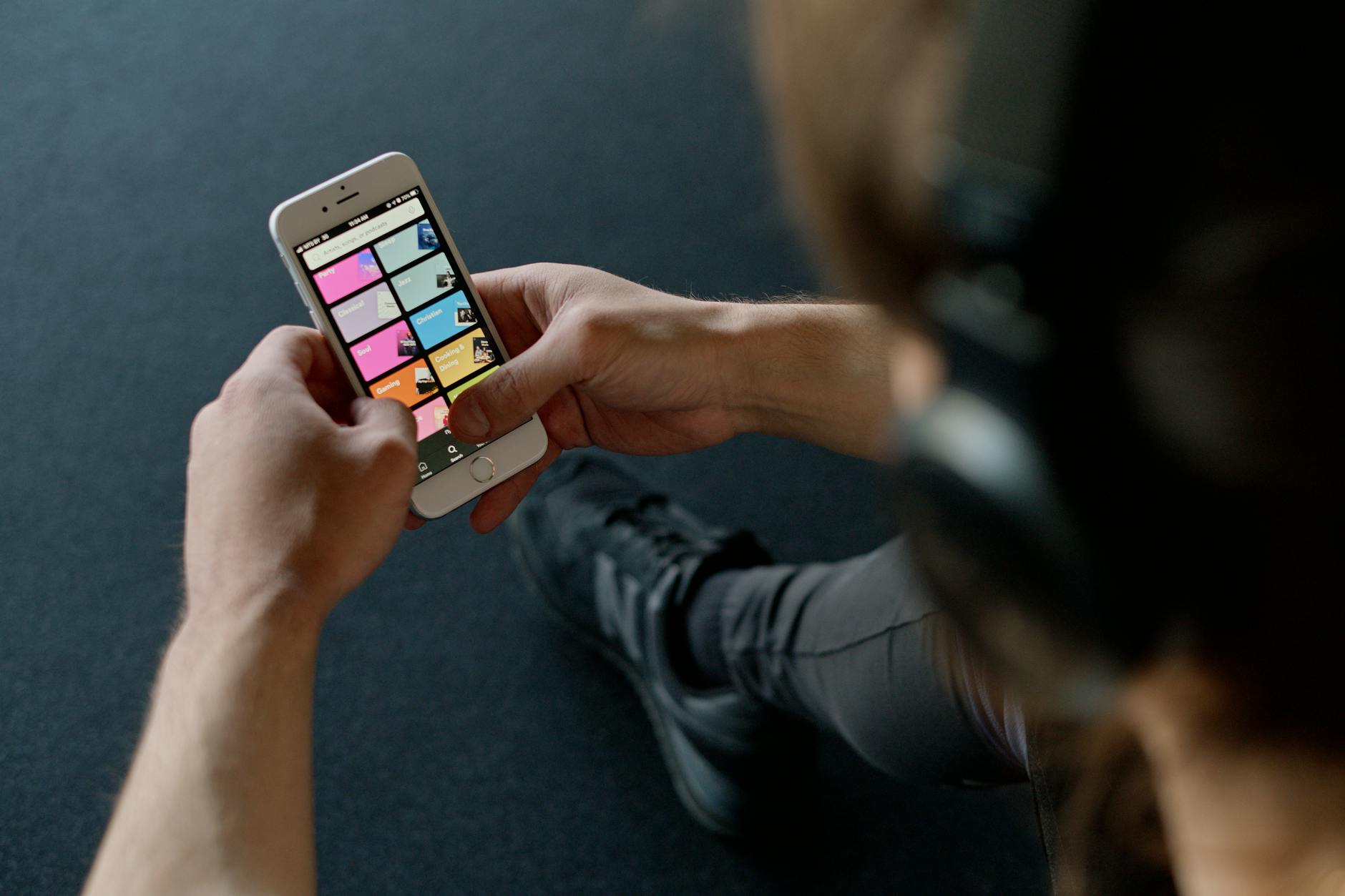
- Download your playlist before you go. Streaming over a cellular connection is more power-intensive than playing locally stored files. Spotify, Apple Music, and YouTube Music all offer offline download features. Download your workout playlist on Wi-Fi at home and play it from local storage at the gym.
- Turn off location services for apps that do not need real-time GPS. Weight training apps do not need GPS. Only running or cycling apps that track routes should have location active during your session.
- Use Do Not Disturb. Notifications constantly waking your screen and triggering vibration add up. Enabling Do Not Disturb or a workout-specific Focus mode during your session keeps the screen off between actual check-ins.
For sessions lasting more than 90 minutes — or for anyone doing both cardio and strength training in a single visit — a portable charger (power bank) is genuinely the most reliable solution. A compact power bank that fits in the outer pocket of your gym bag can fully recharge a modern smartphone at least once, sometimes twice. You do not need to stop your workout: clip the charger to your bag, run a short cable to your phone sitting on the equipment shelf, and it charges passively while you train. For gym essentials for beginners, a power bank ranks alongside a water bottle in terms of practical impact on your experience.
Gym Bag Tech Essentials for 2026
The concept of gym bag essentials 2026 has evolved well beyond a towel and a water bottle. Today's serious gym-goer carries a small but carefully chosen tech kit that supports the entire session. Here is what belongs in yours.
A portable charger (power bank). As mentioned above, this is the cornerstone of phone battery management at the gym. When choosing one, prioritize compact size and adequate capacity. A 10,000 mAh power bank is a practical sweet spot: small enough to fit in a side pocket, powerful enough to fully charge most smartphones twice. If you do long sessions — two hours or more — or if you frequently run music streaming and workout tracking simultaneously, a power bank is not a luxury. It is the difference between finishing your session connected and abandoning it mid-way because your phone went dark. Look for one with USB-C Power Delivery support so it can charge modern phones quickly during short breaks.
A short charging cable. A standard one-meter cable is too long and gets tangled in your bag. A 30cm (about 12 inches) USB-C or Lightning cable — sometimes called a "stubby" cable — is purpose-built for this exact use case. It keeps your phone close to the power bank, reduces snag risk on equipment, and takes up almost no space.
Wireless earbuds or Bluetooth headphones. Wired headphones have no place in a gym in 2026. Cables catch on equipment, restrict movement, and get yanked out at the worst moments. True wireless earbuds with good passive isolation are the standard for cardio; over-ear headphones with strong Bluetooth range work well for weight training where you are less active. Check battery life specs: aim for at least 6 hours of playback in the earbuds themselves, with a charging case that provides an additional two to three full charges.
A fitness tracker or smartwatch. More on this in the section below, but having a wrist-worn device that can handle music playback and workout tracking independently takes enormous load off your phone's battery — and off your need to keep your phone on your person at all times.
A cable organizer pouch. Nothing degrades the gym bag experience faster than a tangle of cables. A small zippered pouch — often sold as a "tech organizer" — keeps your power bank, short cable, earbuds case, and any other small electronics in one place and ready to grab.
The Best Fitness Apps and How to Use Them Without Killing Your Battery
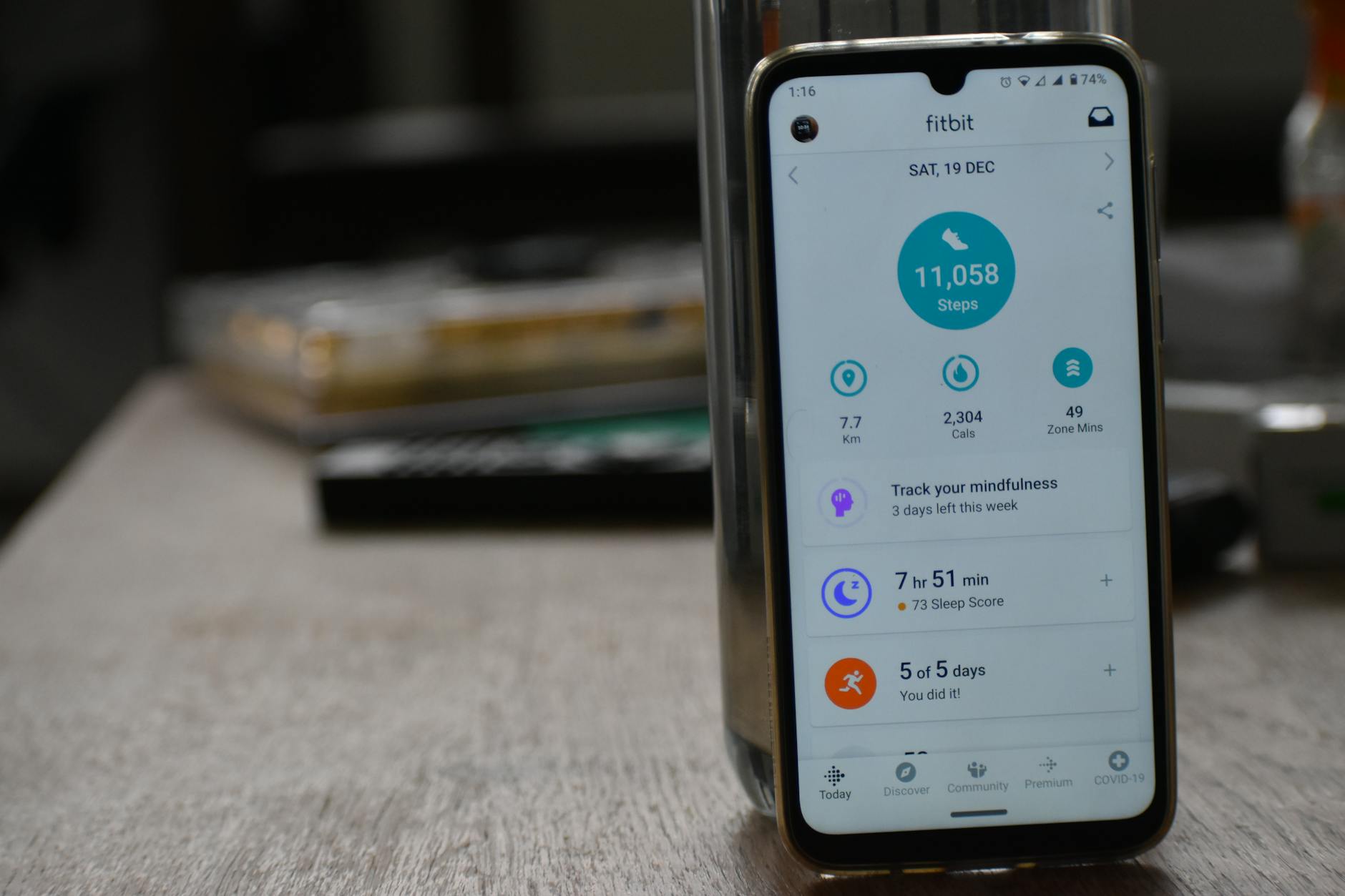
Choosing the right fitness app matters as much as how you configure it. Some apps are genuinely optimized for battery efficiency; others run aggressive background processes that drain your phone even when the screen is off.
Apple Fitness+ and Google Fit are relatively well-optimized for their respective platforms and integrate efficiently with native hardware. Third-party apps like Strava, Garmin Connect, and MyFitnessPal vary in their background drain. Strava in GPS-tracking mode is a significant drain; Strava in manual entry mode barely affects battery at all. Know which mode you are using.
A few configuration tips that apply across most fitness apps:
- Disable in-app video streaming. Several modern apps offer demonstration videos for exercises. These are great for learning form but should be pre-viewed at home, not streamed mid-session.
- Set sync frequency to manual or end-of-session. Apps that sync every few minutes are constantly waking your phone's radio. Switching to manual sync and doing it once after your workout preserves meaningful battery.
- Use your watch as the primary tracker. If you have a smartwatch, configure the app to record primarily on the watch and sync to your phone once at the end. This keeps your phone's screen off and its radio quiet for the bulk of the session.
- Close other apps before starting your workout. Background apps refreshing social media feeds, email, and news are quietly consuming resources. A fresh session with only your workout app open is noticeably more battery-efficient.
Alternative Solutions: Smartwatches, Offline Music, and Gym Lockers
If you find yourself perpetually fighting the battery problem, the most effective long-term solution is reducing your phone's workload at the gym entirely. Modern smartwatches have made this more achievable than ever.
Standalone smartwatch music storage. The Apple Watch Series 9 and Ultra 2, Samsung Galaxy Watch 7, and Garmin Forerunner series all support storing music locally on the watch itself. You can sync a playlist from Spotify or Apple Music to the watch over Wi-Fi at home, then leave your phone in your bag — or even at home — and stream directly from your wrist to your Bluetooth earbuds. No phone involved. No phone battery at risk.
Standalone workout tracking. The same watches handle heart rate, pace, distance, and rep counting without needing a phone present. If your primary gym activities are running, cycling, or rowing, a GPS-capable watch effectively renders your phone redundant for the tracking portion of your workout entirely.
Offline playlists on a dedicated device. Some gym-goers keep an old phone or a dedicated iPod-equivalent device loaded with offline music, using it solely for audio while their primary phone stays in the locker. This is a niche solution but one that works well for people who prefer to leave their main phone locked away for security reasons.
Using gym lockers strategically. If your gym has charging outlets in the locker room — which is more common than outlets on the gym floor — consider this workflow: start your session with your phone at 100%, use it for the first half of your workout, then place it on a locker room charger during your post-workout stretch or shower. By the time you leave, it is back to full. This requires either a gym that has locker room outlets (most do, even if not labeled as charging stations) or bringing your own power strip — which many gyms permit as long as it does not create a hazard.
Complete Gym Bag Tech Checklist
To bring everything in this guide together, here is a practical checklist of tech-related gym bag essentials for anyone who relies on their phone during workouts. This applies whether you are a beginner building your first kit or a seasoned member refining what you carry.
Your Complete Gym Tech Checklist
Before You Leave Home
- Phone charged to 100%
- Workout playlist downloaded for offline use
- Earbuds or headphones fully charged
- Power bank topped up (check weekly)
- Fitness app updated and configured (sync set to manual)
- Smartwatch charged and playlists synced
In Your Gym Bag
- Compact power bank (10,000 mAh recommended)
- Short charging cable (USB-C or Lightning, 30cm)
- True wireless earbuds with charging case
- Cable/accessory pouch to keep everything organized
- Armband or phone holder (if you prefer phone on your body)
Settings to Enable Before Your Workout Starts
- Airplane Mode ON + Wi-Fi re-enabled (if gym has Wi-Fi)
- Screen brightness reduced to 30-40%
- Do Not Disturb or Workout Focus Mode enabled
- Location services off for non-GPS apps
- Background app refresh disabled
- Music set to offline/downloaded mode

Frequently Asked Questions
Key Takeaways
Keeping your phone alive through a gym session is mostly a matter of building a few simple habits and carrying one or two small pieces of gear. The core principles are straightforward: arrive fully charged, configure your phone to minimize drain during the session, and carry a portable charger for anything beyond 90 minutes.
Do not rely on gyms having charging infrastructure — most do not, or they have it inconsistently across locations. Even chains like Planet Fitness and LA Fitness, which sometimes have stations, leave it to individual franchise owners. Treating your own power bank as a non-negotiable part of your gym bag essentials is the most reliable solution across every gym, every location, every session.
If you find the phone-management overhead genuinely disruptive, a smartwatch that handles music and tracking independently is the most elegant long-term fix. It frees you from having to carry or think about your phone during the session at all — and that freedom can genuinely improve focus and training quality.
Whatever your approach, the goal is simple: never let a dead phone cut your workout short. With a bit of preparation and the right gear in your bag, it never has to.