Apple Find My Network Explained: How It Works and What You Can Track With It

If you have ever wondered exactly how does Apple Find My network work — not just "it uses your iPhone to find stuff" but the actual mechanics underneath — you are not alone. Find My is one of the most quietly impressive pieces of infrastructure Apple has ever built, and most people barely scratch the surface of what it can do.
This guide breaks down the technology behind Find My from the ground up: the crowdsourced Bluetooth network, the privacy architecture that keeps your data secure, what devices and accessories are compatible, and the real-world limitations you should know about before you rely on it.
What Is the Apple Find My Network?
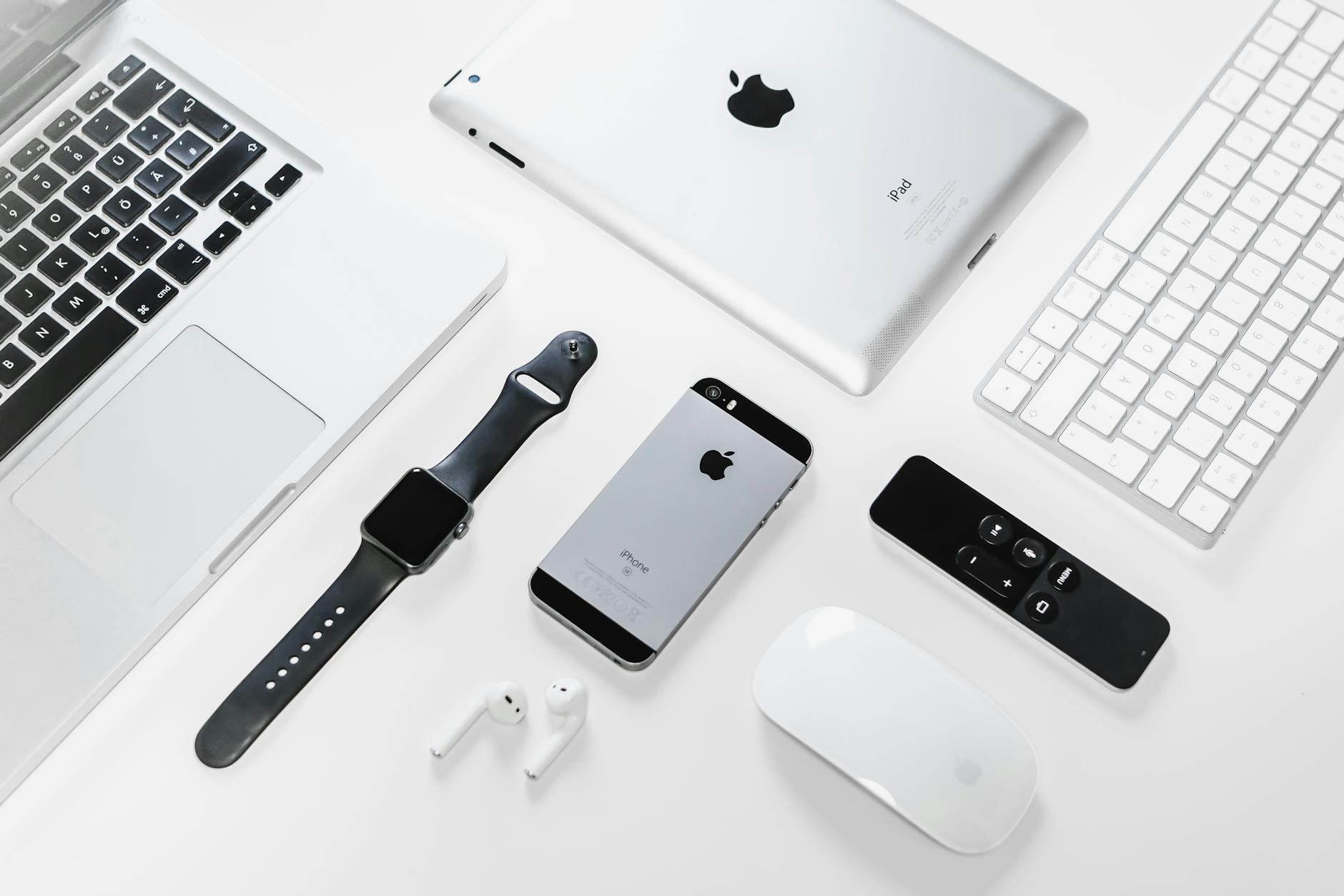
Apple Find My is a service that lets you locate your Apple devices, AirTags, and a growing range of third-party accessories — even when those items have no cellular connection or GPS of their own. It ships built into every iPhone, iPad, Mac, Apple Watch, and AirPods, and is accessible through the Find My app or iCloud.com.
What makes it remarkable is its scale. Rather than depending on a dedicated fleet of GPS satellites or cellular base stations, Find My operates on a crowdsourced Bluetooth network formed by more than one billion active Apple devices worldwide. When your lost AirTag is sitting in a stranger's coffee shop, it does not need to know where it is — a nearby iPhone silently does the work for it, without either person ever knowing the exchange took place.
Apple introduced this crowdsourced approach with iOS 13 in 2019, merging its older "Find My iPhone" and "Find My Friends" apps into a single unified system. Since then, it has expanded to include Apple Find My third party devices — products from other manufacturers that carry the "Works with Apple Find My" certification.
How the Crowdsourced Network Actually Works
Understanding Find My network tracking explained properly requires looking at each step of the process in sequence. Here is what happens from the moment you lose something to the moment you see its location on a map.
Step 1 — The Lost Item Broadcasts a Bluetooth Signal
Every Find My-enabled accessory — an AirTag, a compatible luggage tracker, a Find My-enabled bike lock — constantly broadcasts a Bluetooth Low Energy (BLE) signal. BLE was chosen because it draws almost no power, allowing coin-cell batteries to last months or years rather than hours.
Crucially, this signal does not contain your name, your Apple ID, or any identifying information. Instead, it contains a rotating anonymous identifier — a short cryptographic key that changes frequently. Even if someone were to scan for BLE signals and log every device they detected, they would see a constantly changing stream of meaningless identifiers with no way to tie them to you or your belongings.
Step 2 — A Nearby Apple Device Detects the Signal
Any nearby iPhone, iPad, or Mac running a recent version of iOS, iPadOS, or macOS automatically scans for these BLE broadcasts in the background. This happens silently, without the device owner being notified or even aware of it. The finder device does not need to have Find My enabled for their own items — the background scanning is a system-level process.
Step 3 — The Location Is Encrypted and Uploaded
When a finder device detects a lost item's BLE signal, it records its own current GPS location (its precise position, which it does know), encrypts that location using a public key derived from the lost item's rotating identifier, and sends the encrypted package to Apple's servers. The finder device's identity is not included — Apple receives an anonymous, encrypted blob of location data.
This is the core of Apple's privacy model: Apple itself cannot read the location data. Only the owner of the lost item has the private key needed to decrypt it.
Step 4 — The Owner Decrypts the Location on Their Device
When you open the Find My app and look for a lost item, your iPhone or Mac downloads the encrypted location packet from Apple's servers and decrypts it locally using your private key. The map then shows you approximately where your item was last seen. All the heavy lifting — the decryption, the matching of rotating identifiers to your devices — happens on your own hardware. Apple's servers act as a blind relay.
What Can You Track with Find My?
The ecosystem has expanded well beyond iPhones. Here is a full breakdown of what Find My can locate today.
Your Own Apple Devices
Find My covers the full Apple hardware lineup natively:
- iPhone and iPad — tracked via cellular, Wi-Fi, GPS, and the crowdsourced network
- Mac — tracked via Wi-Fi and Bluetooth; can be remotely locked or wiped
- Apple Watch — tracks via Wi-Fi and cellular (if applicable)
- AirPods (2nd-gen Pro and later, 3rd-gen and later) — tracked via the crowdsourced BLE network
- Apple Vision Pro — included in Find My since launch
For active devices with internet connectivity, location updates are near real-time. For items that are powered off or out of signal, the crowdsourced network takes over and reports the last known location whenever a passing Apple device picks up the BLE beacon.
AirTag
AirTag Find My how it works is essentially the same Bluetooth relay process described above, but in a dedicated tracking accessory. AirTag ships with a CR2032 coin-cell battery rated for about a year, has a built-in speaker for audio alerts, and supports Precision Finding on iPhone 11 and later — a feature that uses the iPhone's Ultra Wideband (UWB) chip to guide you to the exact physical location of an AirTag with centimeter-level precision and on-screen directional arrows.
AirTag does not have GPS built in. Its entire location awareness depends entirely on nearby iPhones relaying its position. In a dense urban environment with thousands of Apple devices in every city block, this works exceptionally well. In a rural area with few Apple users, coverage can be sparse.
Third-Party Find My-Enabled Accessories
Starting in 2021, Apple opened its Find My network to third-party manufacturers through an official licensing program. Products that pass Apple's certification display a "Works with Apple Find My" badge and appear natively inside the Find My app — no separate manufacturer app required for basic tracking.
Categories of Apple Find My third party devices currently available include:
- Luggage trackers — slim cards or tags that slip into a suitcase pocket
- Bike trackers — embedded in handlebars, seat posts, or frame tubes
- Wallet trackers — credit-card-sized trackers that sit in your billfold
- Key finders — small fobs that attach to a keyring
- Backpack trackers — sewn into or clipped onto bags
- Smart locks — connected locks that integrate Find My for the lock's own location
- Headphones — several major brands now ship Find My support alongside their own apps
To identify Find My-compatible products when shopping, look for the "Works with Apple Find My" logo on packaging, or filter by "Find My" in the Apple Store and on major retailers.
Privacy and Security Architecture
Given that Find My involves your physical location being reported by strangers' phones, the privacy engineering deserves a close look. Apple's approach is built around three core principles.
End-to-End Encryption
Location reports are encrypted on the finder's device using a public key before they ever leave that device. Apple's servers store only encrypted blobs. Your decryption key never leaves your Apple devices. This means even in a data breach of Apple's servers, an attacker would retrieve nothing but undecipherable ciphertext.
Rotating Anonymous Identifiers
Each Find My accessory broadcasts a different identifier on a rolling schedule. This prevents someone from tracking your movements by following a static BLE beacon as you carry it through a city. Even Apple cannot correlate two consecutive broadcasts from the same device — only the owner, who holds the private key, can link the rotating IDs to a single item.
Anti-Stalking Protections
Apple has invested heavily in anti-stalking features following concerns about AirTags being misused. Current protections include:
- iPhone alerts — if an AirTag or Find My accessory not registered to you is traveling with you for a period of time, your iPhone will notify you
- Android alerts — Apple released a free Android app called "Tracker Detect" that scans for unregistered AirTags nearby
- Audible alerts — after 8–24 hours of separation from its owner, a stray AirTag will play a sound to alert anyone nearby
- NFC contact info — if an AirTag is put into Lost Mode, anyone with an NFC-capable smartphone can tap it to see the owner's contact information, without needing an Apple device or an app
Lost Mode
Activating Lost Mode on any item in Find My locks the item (in the case of a Mac), displays a custom message with contact information, and begins logging location updates more frequently. For accessories, Lost Mode flags the item so that the next time an Apple device passes it, the location report is prioritized and delivered promptly.
Network Coverage and Real-World Limitations
Understanding Apple tracking network coverage honestly requires acknowledging where it works brilliantly and where it falls short.
Where Find My Excels
Dense urban areas — city centers, airports, shopping malls, public transit hubs — are saturated with Apple devices. An AirTag left in a taxi in Manhattan or a bag stolen in a busy London station will typically generate a location update within minutes, sometimes seconds, as hundreds of iPhones pass by it every hour.
The network also excels in situations where a stolen item moves through populated areas. Every time the item passes someone with an iPhone, a fresh location update is silently relayed, creating a near-continuous trail.
Where Find My Struggles
Remote or rural areas with a low density of Apple device owners present a meaningful gap in coverage. A lost bag in a national park, a bike locked up in a small town, or luggage sitting in a warehouse with limited staff will generate few or no location updates if no iPhones pass nearby. In these scenarios, a traditional GPS tracker with its own cellular modem is more reliable — but also more expensive to operate, since it requires a data subscription.
It is also worth noting that Find My location updates are not instantaneous in the way a live GPS tracker is. You are seeing the last known location as of the most recent finder-device relay, which may be minutes or hours old depending on foot traffic near the item.
How to Set Up Find My
Getting started with Find My takes only a few minutes. Here is the basic setup flow.
Enable Find My on Your Apple Devices
- Open Settings on your iPhone or iPad
- Tap your name at the top (Apple ID)
- Tap Find My
- Enable Find My iPhone and, optionally, Send Last Location (this reports your device's position to Apple the moment the battery dies)
For a Mac, go to System Settings, click your Apple ID, select iCloud, and enable Find My Mac. The process is similar across all Apple hardware.
Add an AirTag or Third-Party Accessory
- Hold the AirTag (or a compatible accessory) near your iPhone with Bluetooth enabled
- A setup card will appear automatically on screen
- Name the item (e.g., "Keys," "Backpack," "Luggage") and assign an emoji
- The item now appears in the Find My app under the Items tab
Locate an Item
Open the Find My app, tap the Items or Devices tab, and select the item you want to locate. The map will show its last known position. If the item is within Bluetooth range of your iPhone, tap Play Sound to make it beep. On iPhone 11 and later, tap Find Nearby for UWB Precision Finding with directional arrows.
Find My vs. Dedicated GPS Trackers
A common question is how Find My compares to a standalone GPS tracker like those from Tile, Chipolo, or LTE-based brands. The differences matter depending on your use case.
| Feature | Apple Find My | Dedicated GPS Tracker |
|---|---|---|
| Network dependency | Nearby Apple devices | Cellular / GPS satellites |
| Monthly fee | None | Often $5–$20/month |
| Battery life | 6–12+ months (coin cell) | Days to weeks |
| Rural coverage | Limited — needs nearby iPhones | Works anywhere with cell signal |
| Location update speed | Minutes to hours (relay-based) | Near real-time |
| Privacy | End-to-end encrypted | Varies by manufacturer |
| Device size | Very small (AirTag = poker chip) | Larger (needs antenna + modem) |
| Best for | Keys, bags, bikes in cities | Vehicles, remote assets |
For most everyday use cases — keys, wallets, luggage, backpacks used in or near cities — the Find My network is the more practical choice. The zero ongoing cost and year-long battery life make it hard to beat. For tracking a vehicle in a rural area or monitoring a remote asset in real time, a cellular GPS tracker makes more sense.
Third-Party Find My Accessories: What to Look For
The "Works with Apple Find My" ecosystem has grown significantly. When evaluating a third-party tracker, here are the key things to check.
- Official certification badge — only products that have passed Apple's MFi (Made for iPhone/iPad/Mac) certification can legally carry the Find My branding. Look for it on the box or product listing.
- Native Find My app support — certified accessories appear directly in the Find My app without requiring a separate manufacturer app for core tracking functionality.
- Battery type — some trackers use replaceable coin cells (CR2032 is most common), others use rechargeable internal batteries. Replaceable batteries mean you never need to charge the tracker, but rechargeable trackers may offer additional features like a louder speaker.
- Form factor for your use case — a tracker embedded in a bike stem is very different from a card-shaped wallet tracker. Match the form factor to where you plan to use it.
- Water resistance rating — AirTag carries an IP67 rating (dust-tight, submersible to 1 meter for 30 minutes). Check the IP rating of any third-party accessory if exposure to rain or moisture is likely.
Frequently Asked Questions
Key Takeaways
The Apple Find My network is a genuinely sophisticated piece of engineering that achieves something remarkable: tracking objects without GPS, without a subscription fee, and without exposing your location data to Apple itself or to the strangers whose phones silently relay it.
Here is a quick summary of what matters most:
- How it works: BLE beacons from lost items are detected by passing Apple devices, which encrypt your location using a public key and relay it to Apple's servers — where only you can decrypt it.
- Scale: Over one billion Apple devices participate in the network, making it the largest crowdsourced tracking network in the world.
- Privacy: End-to-end encryption, rotating anonymous IDs, and anti-stalking alerts make it one of the most privacy-conscious tracking systems available.
- What you can track: Every Apple device, AirTags, and a growing library of certified third-party accessories across luggage, bikes, wallets, keys, and more.
- Limitations: Coverage depends entirely on iPhone density — it works brilliantly in cities and falls short in remote areas. Updates are not real-time; they reflect when the last relay occurred.
- Setup: Adding a device or accessory takes under two minutes and everything is managed from one unified app.
For anyone already in the Apple ecosystem, Find My is one of the most practical and underutilized tools available — and understanding exactly how it works makes it far easier to trust it, configure it correctly, and know when to supplement it with a different approach.