65% of People Have Lost Digital Photos Forever — Here's How to Make Sure You're Not Next

A survey by Backblaze found that 65% of people have experienced data loss at some point in their lives — and for many of them, what they lost wasn't just files. It was the first photo of a child taking their first steps. A grandmother's birthday celebration, now years gone. A road trip that can never be repeated. Prevent photo loss may sound like a technical phrase, but the reality of it is deeply human: when those images disappear, a piece of your story disappears with them.
Unlike a lost wallet or a broken appliance, lost photos cannot be replaced. You can buy another phone. You can get a new laptop. But you cannot recreate the moment your daughter blew out her birthday candles for the first time, or the last image you ever took of someone you love. The permanence of that loss is what makes digital photo backup tips so much more than a tech topic — it's about protecting the record of your life.
This guide breaks down the five most common causes of photo loss, gives you a concrete prevention checklist for each one, and helps you build a personal photo protection plan that takes less than an hour to set up.
The 5 Most Common Causes of Photo Loss
Understanding where the risk comes from is the first step toward eliminating it. Most people assume photo loss is rare or only happens to unlucky people. The data tells a very different story.
1. Hardware Failure
Hard drives fail. Phones die. Memory cards corrupt. According to storage industry research, the average hard drive has a failure rate of around 1.5% per year — and that rate climbs sharply after the three-year mark. Phone flash storage isn't immune either, and many people carry their entire photo library on a single device with no backup whatsoever.
The cruel irony of hardware failure is that it rarely gives any warning. One day your phone turns on. The next day it doesn't — and ten years of photos are locked inside a device that no longer works.
2. Accidental Deletion
The most mundane cause of photo loss is also one of the most common. A misclick while clearing storage space. Tapping "delete all" when you meant to delete one. Formatting a memory card that still had photos on it. Syncing your phone to a new device and watching the existing library wipe clean.
Accidental deletion accounts for roughly 29% of all data loss incidents, according to data recovery firm Kroll Ontrack. The photos are gone in seconds, and the realization of what happened often comes hours — or days — later, long after any recovery window has closed.
3. Device Theft
In 2023, over 70 million smartphones were lost or stolen worldwide. Many of those phones contained years of irreplaceable photo libraries. When a device is stolen, thieves rarely care about the memories stored on it — they wipe the phone and resell it, and every photo on that device vanishes permanently.
What makes theft particularly devastating is that it's sudden and total. There's no recovery window. There's no "are you sure?" prompt. The phone — and everything on it — is simply gone.
4. Water Damage
Despite water-resistance ratings on modern smartphones, water damage remains one of the leading causes of device failure. A phone dropped in a pool, a laptop caught in a rainstorm, a coffee spilled across a keyboard — these accidents happen every single day. Even IP68-rated phones aren't fully immune, especially as the seals degrade over time with normal use.

5. Ransomware and Malware
Ransomware attacks encrypt your files and demand payment for the decryption key. In many cases, even if you pay, the files are never fully restored. Attacks that once targeted businesses are increasingly targeting home users — often through phishing emails, infected USB drives, or compromised software downloads. Your entire photo library can be locked or destroyed in minutes, with no technical recourse if you don't have an independent backup.
Prevention Checklists for Each Cause
Knowing the risks is only useful if it leads to action. Here are targeted, practical steps you can take right now to prevent photo loss from each of the five causes above.
Protecting Against Hardware Failure
- Enable automatic cloud backup on your phone (Google Photos or iCloud) so photos upload the moment they're taken — not when you remember to do it.
- Never store your only copy of important photos on a single hard drive. External drives fail just like internal ones.
- Replace aging hard drives proactively — if a drive is more than 4–5 years old, copy its contents to a new drive before it fails, not after.
- Check the health of your hard drives annually using free tools like CrystalDiskInfo (Windows) or DriveDx (Mac).
- Store memory cards from special events (weddings, births, vacations) separately from the camera, in a labeled, waterproof container.
Protecting Against Accidental Deletion
- Turn on the "Recently Deleted" folder in your photo app — most platforms keep deleted photos for 30 days before permanent removal.
- Before clearing large amounts of storage, move photos to a backup destination first, then delete from the device.
- Never format a memory card in a computer — always format it inside the camera that will be using it, and only after you've confirmed photos are backed up.
- Disable automatic "free up space" features that permanently delete device copies once they've been uploaded to the cloud — verify the cloud copies exist first.
- Set a monthly calendar reminder to review and confirm your backup is current and your deleted folder hasn't been permanently cleared without your awareness.
Protecting Against Device Theft
- Enable automatic cloud sync so that photos are backed up continuously, not just when you plug in a charger.
- Turn on "Find My Device" (Android) or "Find My iPhone" (iOS) — while this won't recover photos, it can help you locate or remotely wipe a stolen device.
- Use a strong PIN or biometric lock to prevent immediate access to your photos if the phone is taken.
- Never carry an unencrypted external drive containing your only photo backup in the same bag as your laptop.
- Consider keeping a secondary backup at a different physical location — a family member's home, a safety deposit box, or cloud storage.

Protecting Against Water Damage
- Don't rely on water-resistance ratings as a safety net — treat your phone as if it isn't waterproof and keep automatic backups running at all times.
- If your phone gets wet, back it up immediately if it's still functional — don't wait to see if it dries out and continues working.
- Keep laptops and external hard drives away from liquids. Even a small spill can cause irreparable damage to a drive platters or flash chips.
- Store backup drives in waterproof cases or bags, especially if you live in a flood-prone area or travel frequently.
- After any water incident, back up everything from all devices in the household as a precaution — water damage sometimes has a delayed effect.
Protecting Against Ransomware
- Keep an offline backup — a hard drive that is physically disconnected from your computer when not in use. Ransomware cannot encrypt a drive it cannot reach.
- Never click links in unexpected emails asking you to verify accounts, download updates, or open attachments.
- Keep your operating system and antivirus software up to date — most ransomware exploits known vulnerabilities that patches have already fixed.
- Do not plug unknown USB drives into your computer. Infected drives are a classic ransomware delivery method.
- Use a reputable cloud backup service with version history, so you can roll back to a pre-attack version of your files if you're compromised.
Why Most People Don't Back Up — And Why That Needs to Change
If backing up photos is so important, why do so few people do it consistently? The psychology is worth understanding, because it explains why good intentions repeatedly fail to turn into action.
The first reason is optimism bias — the deeply human tendency to believe bad things happen to other people, not to us. We've all heard of someone losing their photos. We feel bad for them. And then we go right back to storing everything on one device with no backup. It feels abstract and distant until the moment it isn't.
The second reason is friction. Backing up sounds technical. People imagine it involves cables, external drives, confusing software, and hours of time. In reality, enabling automatic cloud backup takes about three minutes on most phones. The perceived difficulty is almost entirely a myth — but that perception is enough to keep millions of people from ever doing it.
The third reason is the "I'll do it later" trap. Photos accumulate so gradually that the urgency never feels real. You take a few hundred photos this week. You'll back them up this weekend. Then next weekend. Then when you have more time. "Later" becomes never, and by the time something goes wrong, you're sitting with thousands of unbacked photos spanning years of your life.
The emotional reality is this: you will never regret backing up your photos. You will only regret not doing it. The 65% of people who have experienced data loss didn't think it would happen to them either.
Creating Your Personal Photo Protection Plan
The gold standard for data loss prevention is known as the 3-2-1 rule: keep 3 copies of your photos, on 2 different types of storage, with 1 copy stored offsite (away from your home). Here's what that looks like in practice for the average person:
Copy 1 — Your device. This is the primary copy on your phone, tablet, or computer. It's convenient but vulnerable to every single one of the five risks listed above.
Copy 2 — An external hard drive or local backup. A physical backup stored at home, separate from your primary device. This protects against device failure, theft, and accidental deletion. It does not protect against fire, flood, or ransomware if the drive is connected to an infected computer.
Copy 3 — Cloud storage. An offsite, cloud-based backup that is physically and digitally separate from your home. This protects against localized disasters (fire, flood) and ransomware if you choose a service with version history. Google Photos, iCloud, Amazon Photos, and Backblaze are all viable options at various price points — including free tiers for most casual users.
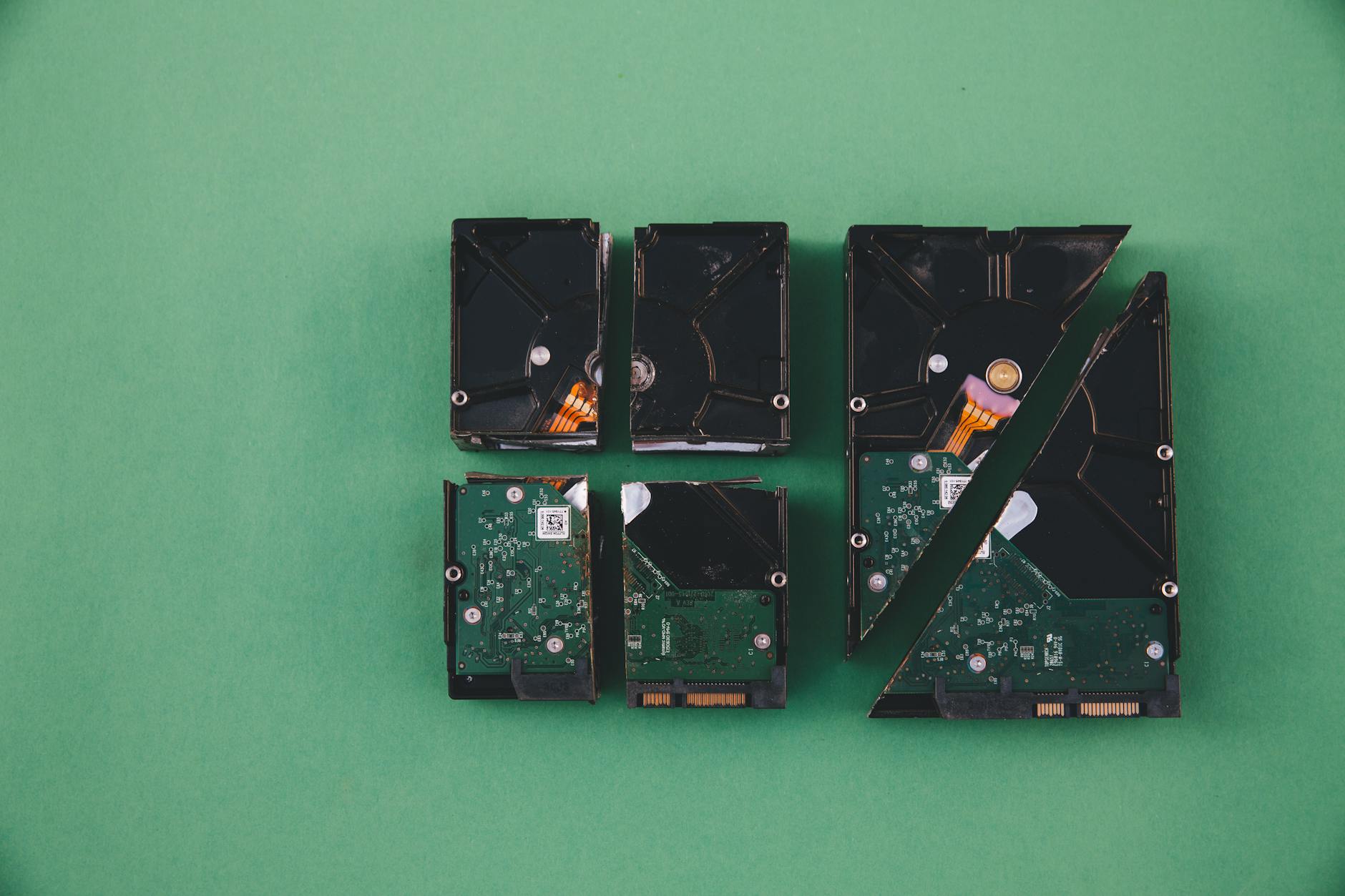
Once you have your 3-2-1 system in place, the maintenance is minimal:
- Set cloud backup to run automatically on all devices — don't leave it as a manual process.
- Once a month, confirm your backups are current and accessible. Open a few photos from the cloud to verify they actually uploaded.
- Once a year, update your local external backup and check your drive health.
- After any major life event (wedding, birth, graduation, vacation), verify your backup ran successfully before you celebrate.
That's it. The ongoing time investment is roughly 10 minutes per month. The payoff is permanent protection for every memory you've captured.
Frequently Asked Questions About Preventing Photo Loss
Key Takeaways
The 65% statistic at the top of this article isn't meant to frighten you. It's meant to make something abstract feel real — because the threat is real, and the solution genuinely is simple.
The five causes of photo loss — hardware failure, accidental deletion, theft, water damage, and ransomware — are all preventable with the right habits. None of the steps in this guide require significant technical skill or expensive equipment. What they require is five minutes of setup today and a small amount of ongoing attention.
Here is what matters most, reduced to three principles:
- Automate your backups. Any backup system that depends on you remembering to do it will eventually fail. Turn on automatic cloud sync today and let it run in the background forever.
- Follow the 3-2-1 rule. Three copies, two types of storage, one offsite. This single framework eliminates nearly every realistic scenario in which photos are permanently lost.
- Verify regularly. A backup that silently fails is the same as no backup. Once a month, open your cloud storage and confirm a recent photo is actually there.
The photos on your phone right now are irreplaceable. The settings to protect them are three taps away. There is no reason — and no good time — to wait.