10 Content Creator Lighting Tips That Will Instantly Improve Your Videos
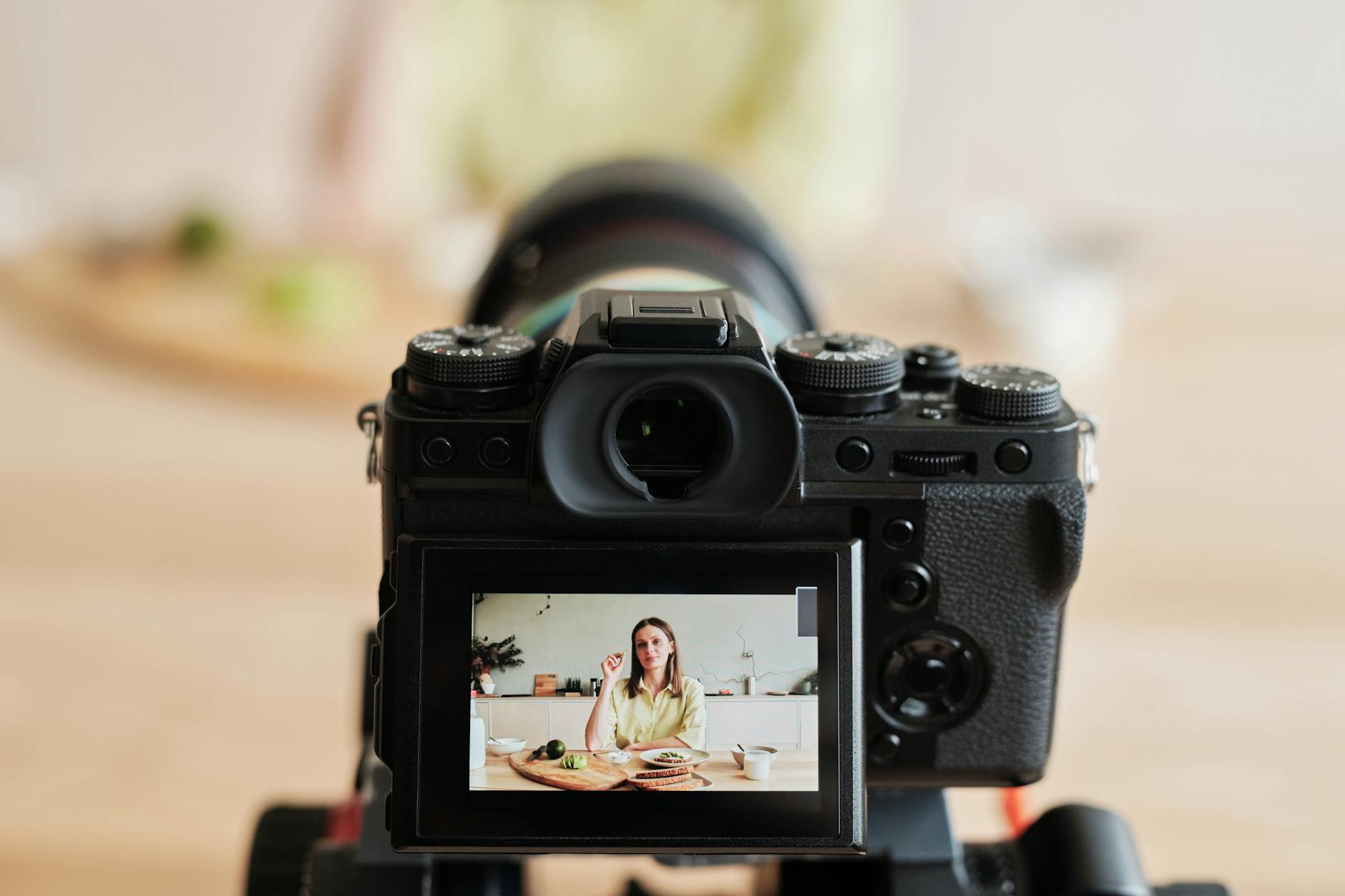
If your videos look dark, muddy, or just a little "off" despite having decent camera gear, lighting is almost certainly the culprit. Content creator lighting tips are the most Googled yet most under-applied piece of advice in the creator community — because gear is exciting to buy, while rearranging lamps feels boring. But nothing transforms raw footage like understanding light. A $400 camera with great lighting will always outperform a $2,000 camera in a dim room.
Whether you're filming YouTube tutorials, TikTok dances, Instagram Reels, or a podcast-style talking-head video, this guide covers 10 actionable lighting tips with the reasoning behind each one. Most of these cost nothing to implement today.
Why Lighting Matters More Than Your Camera
Camera sensors capture light. When there isn't enough of it — or when the light is the wrong color, coming from the wrong direction, or too harsh — no amount of post-processing will fully fix the problem. Noise, flat skin tones, uneven shadows, and washed-out backgrounds all trace back to lighting decisions made before you hit record.
The good news: how to light a video at home is a skill that follows a handful of reliable principles. Once you understand those principles, you can make great-looking content in almost any room using almost any budget.
The 10 Best Content Creator Lighting Tips
1. Face the Window — Never Sit With Your Back to It
Natural window light is the most flattering, accessible, and free light source available to any creator. The mistake most beginners make is sitting with a window behind them, which blows out the background and turns the subject into a silhouette.
Instead, position yourself facing the window so that the light falls directly onto your face. On an overcast day, a north- or east-facing window delivers beautifully soft, diffused light that flatters skin tones and requires zero equipment. On a sunny day, hang a white bedsheet or a piece of white fabric across the window to act as a DIY diffuser — this softens harsh direct sunlight into something usable.
Pro tip: Film during the "golden hours" — roughly one to two hours after sunrise or before sunset — for warm, cinematic window light that no artificial source can match for free.
2. Understand Color Temperature Before Buying Any Light
Color temperature is measured in Kelvin (K) and describes how "warm" or "cool" a light source appears. Candles sit around 1,800K (very orange), standard tungsten bulbs around 2,700K (warm yellow), daylight sits between 5,500K and 6,500K (neutral to slightly blue-white).
The problem most creators run into: mixing light sources with different color temperatures. If you have a warm lamp on one side of your face and a cool LED on the other, your skin will look two different colors and no amount of white balance adjustment in post will fix both sides simultaneously.
The rule is simple: pick one color temperature and stick to it throughout your entire filming setup. Most creators shoot between 5,000K and 5,600K because it reads as clean and neutral on camera. Look for LED lights labeled "daylight" or "5500K" when shopping — these are the easiest to match.
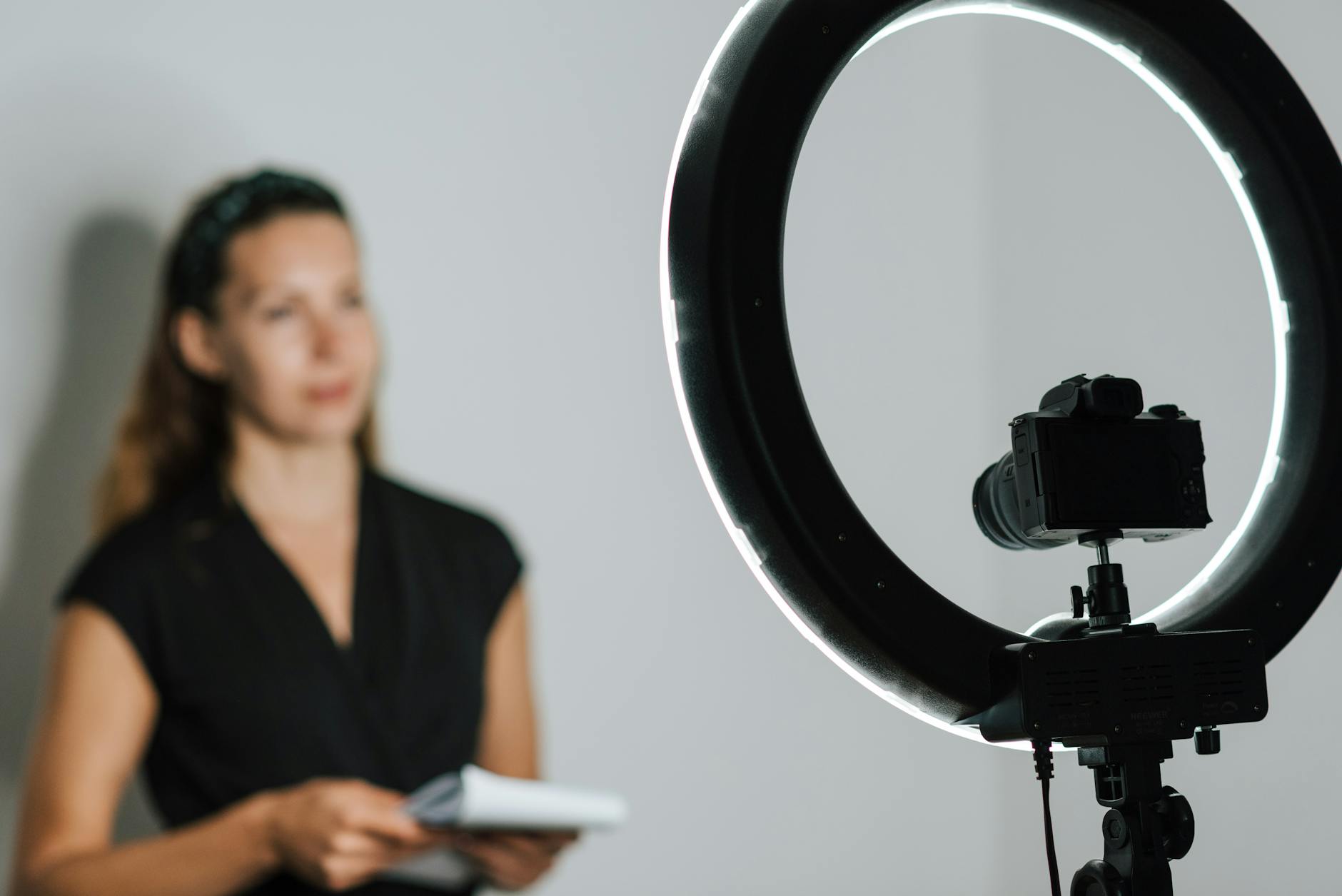
3. Use a Key Light, Fill Light, and Backlight (Three-Point Lighting)
Three-point lighting is the foundational framework that professional film sets, TV studios, and photography studios all rely on. It sounds technical, but the concept is straightforward and you can implement it with just household lamps if needed.
- Key light: Your main, brightest light source. Positioned roughly 45 degrees to the left or right of your face and slightly above eye level. This does most of the illumination work.
- Fill light: A softer, dimmer light on the opposite side of the key light. Its job is to reduce harsh shadows created by the key light — not eliminate them entirely, but soften them. A white foam board or reflector can work as a passive fill light by bouncing your key light back at you.
- Backlight (or hair light/rim light): Positioned behind and above the subject, aimed at the back of the head and shoulders. This separates you from the background, creating depth and preventing the flat, two-dimensional look that plagues most home videos.
You don't need three dedicated lights to achieve this. A window can serve as your key light, a reflector as your fill, and a single LED desk lamp as your backlight.
4. Soft Light vs. Hard Light: Know the Difference
Hard light comes from a small, concentrated source — a bare bulb, a direct spotlight, or unobstructed direct sunlight. It creates sharp, defined shadows and can look dramatic but is often unflattering for talking-head content because it accentuates texture, pores, and under-eye bags.
Soft light comes from a large source relative to the subject — a big window, a softbox, a cloudy sky, or any light bounced off a large white surface. It wraps around the subject and creates gradual, flattering shadow transitions. This is what most creators want for on-camera content.
The key insight: size relative to distance determines softness. A large softbox positioned two feet from your face is very soft. Move it ten feet away and it effectively becomes a small, hard light source. Move your lights closer to get softer results — this is one of the most impactful and completely free adjustments you can make.
5. Ring Lights: Great for Close-Ups, Limited for Everything Else
Ring lights became synonymous with creator content for a reason: they're affordable, easy to set up, and produce even, flattering light for close-up talking-head shots. The circular catchlight they create in the eyes has become a recognizable aesthetic in its own right.
However, ring lights have genuine limitations that creators often discover the hard way. Because the light emanates from a ring shape, it creates flat, directionless illumination — there's no depth or dimension to the lighting. Background separation suffers. If you step back more than four to five feet, the ring becomes effectively too small and too far away to provide meaningful soft illumination.
For filming at home lighting setup beyond basic selfie-style content — tutorials where you need to move around, cooking videos, fitness content — a pair of softboxes or a key-and-fill LED panel arrangement will give you significantly more flexibility and a more cinematic result.
6. Softboxes Are the Best Budget Upgrade Most Creators Skip
A basic two-softbox kit can be found for $60–$90 online and represents arguably the highest value-per-dollar upgrade available to any home creator. A softbox is simply a light source housed inside a reflective box with a diffusion panel on the front. This diffusion spreads the light across a large surface area, producing the soft, wrap-around quality that flatters subjects on camera.
Softboxes also give you directional control that a ring light cannot. You can position them at different angles, heights, and distances to sculpt light and shadow deliberately. A 45-degree key light setup with a softbox and a simple reflector on the opposite side can produce results that look like a professional studio — all within the corner of a spare bedroom.
Look for softboxes that use E27 spiral fluorescent or LED bulbs rated at 5500K. Avoid kits that ship with tungsten/incandescent bulbs unless you plan to film in a warm color temperature throughout.
7. Expose for Your Face, Not the Background
This is a camera setting tip that is inseparable from lighting. When you're filming with auto-exposure and there's a bright window or lit background behind you, your camera will expose for the brightest part of the frame — leaving your face dark and muddy.
The fix has two parts. First, control your background light so it isn't dramatically brighter than the light on your face. Close blinds, turn off lamps behind you, or reposition so you're not competing with a bright background. Second, if your camera allows it, use manual exposure or lock your exposure on your face rather than the overall scene. Most smartphones allow you to tap your face on screen to lock exposure to that zone.
The goal is a lighting ratio of roughly 1:1 or 2:1 between subject and background — your face and the background should be within one to two stops of each other in brightness. When the background is four or more stops brighter, the result looks amateurish regardless of equipment.
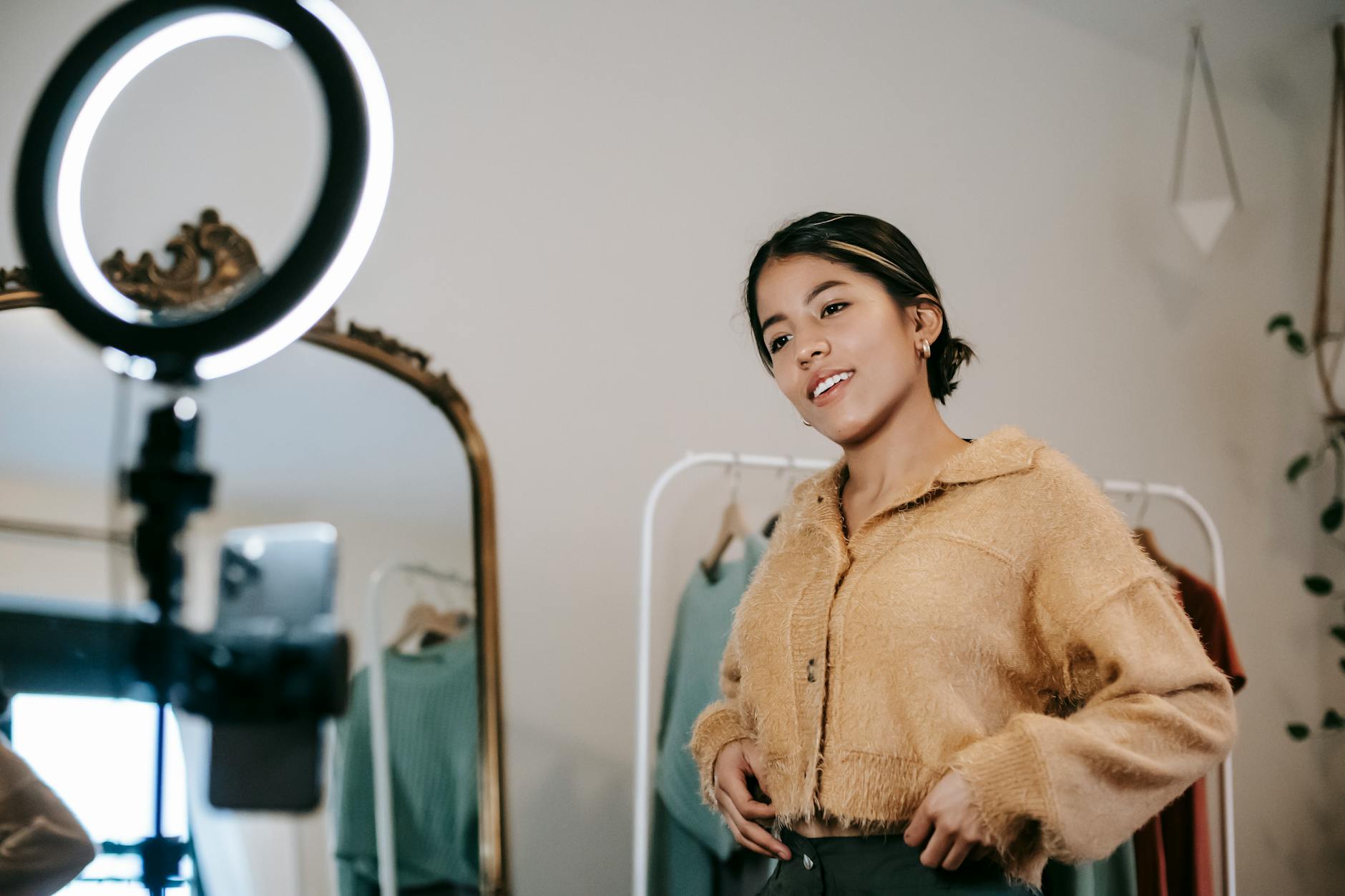
8. Use Bounce Cards and Reflectors Before Buying More Lights
A reflector is simply a white, silver, or gold surface that redirects existing light toward the subject. Before spending money on a second or third light, experiment with bouncing your existing light using household items — a white foam board from a dollar store, a piece of white cardboard, or even a white wall or ceiling.
White bounce cards produce neutral, soft fill light. Silver reflectors produce a brighter, slightly cooler fill. Gold reflectors produce a warm fill — useful for warm-toned beauty and lifestyle content but potentially unflattering under cool daylight setups.
In practice: place your key light at 45 degrees to one side, then position a white foam board on the opposite side at a similar angle. Slide it closer to your face until the shadows soften to your liking. This technique takes less than two minutes to set up, costs under $2, and produces results that rival a second softbox for talking-head content.
9. Background Lighting Elevates Production Value Immediately
Even a well-lit subject looks amateurish against a flat, dark, or cluttered background. Intentional background lighting is one of the fastest ways to elevate the perceived production value of your content — and it requires only a small, inexpensive light source.
Options for lighting for social media content backgrounds include LED strip lights (RGB or warm white) placed along shelves or behind furniture, a small LED desk lamp pointed at a bookshelf or accent wall, or a practical lamp placed within the frame for depth. Bias lighting — an LED strip placed behind a monitor or TV visible in the background — is popular in gaming and tech content and adds visual interest without costing more than $15.
The principle: your background should be deliberately lit, not accidentally lit (or unlit). Even a simple warm-toned lamp visible in the corner of the frame creates a sense of depth and intention that an unlit background cannot.
10. Create a Repeatable Lighting Setup You Can Rebuild in Minutes
Consistency is one of the most underrated aspects of best lighting for YouTube videos and long-form channel growth. Viewers build familiarity with a look — and inconsistent lighting from video to video signals a lack of professionalism, even to audiences who couldn't articulate why.
Once you find a setup that works, document it. Take a photo of your room layout, note the positions of each light, the color temperature settings, the distance from subject to key light. Write it down or keep the photo on your phone. The goal is to be able to rebuild your exact look in under five minutes every time you sit down to film.
This is especially important if you share a space and have to tear down and rebuild your setup between sessions. Creator consistency isn't just about thumbnails and on-screen personality — the visual consistency of your lighting environment is a core part of your brand's visual identity.
Putting It All Together: A Budget-Friendly Home Lighting Setup
You don't need thousands of dollars to implement everything above. Here's a practical starting point for a complete filming at home lighting setup at three budget levels:
Zero Budget
Face a large window. Hang a white bedsheet if the sun is direct. Use a white foam board as a fill reflector on the opposite side. Film during golden hours or on overcast days for the most flattering results.
Under $100
A two-softbox kit ($60–$90) with 5500K bulbs as your key and fill lights. A $5 foam board as a fill reflector when you only need one softbox. A $15 LED strip for background interest.
Under $300
Two bi-color LED panel lights (adjustable between 3200K and 5600K) on adjustable stands. A portable collapsible reflector. A dedicated background LED strip or practical lamp for depth. A small rim light behind and above the subject for separation.
Common Lighting Mistakes to Avoid
- Overhead lighting only: Ceiling lights create downward shadows under the eyes, nose, and chin — the least flattering angle possible. Always supplement with frontal light sources.
- Mixing color temperatures: Warm lamp + cool LED = uneven, unfixable skin tones. Pick one and commit.
- Lights too far away: Distance kills softness. Move lights closer to get a larger, wrapping light source relative to your face.
- Background brighter than subject: This exposes your face into shadow. Control what's behind you.
- No separation from background: Without a backlight or rim light, you visually merge into the background. Even a small light behind you makes an enormous difference.
- Inconsistent setup between videos: Viewers notice. Document and rebuild the same setup every session.
Frequently Asked Questions About Content Creator Lighting
Key Takeaways
Lighting is the single highest-impact variable in video quality, and most of its principles cost nothing to implement. The 10 content creator lighting tips in this guide — from facing the window and matching color temperatures to using three-point setups and documenting your configuration — give you a complete framework for immediately improving the look of your content.
Start with what you have. Face a window. Grab a piece of white cardboard. Match your light sources to one color temperature. Move your lights closer. Add something to illuminate your background. Each of these steps compounds on the last, and within an afternoon of experimentation you can achieve a look that most creators spend months and hundreds of dollars trying to figure out.
The creators whose videos consistently look professional aren't necessarily using more expensive cameras — they're using light more deliberately. That deliberateness is entirely learnable, and it starts with the fundamentals covered here.